

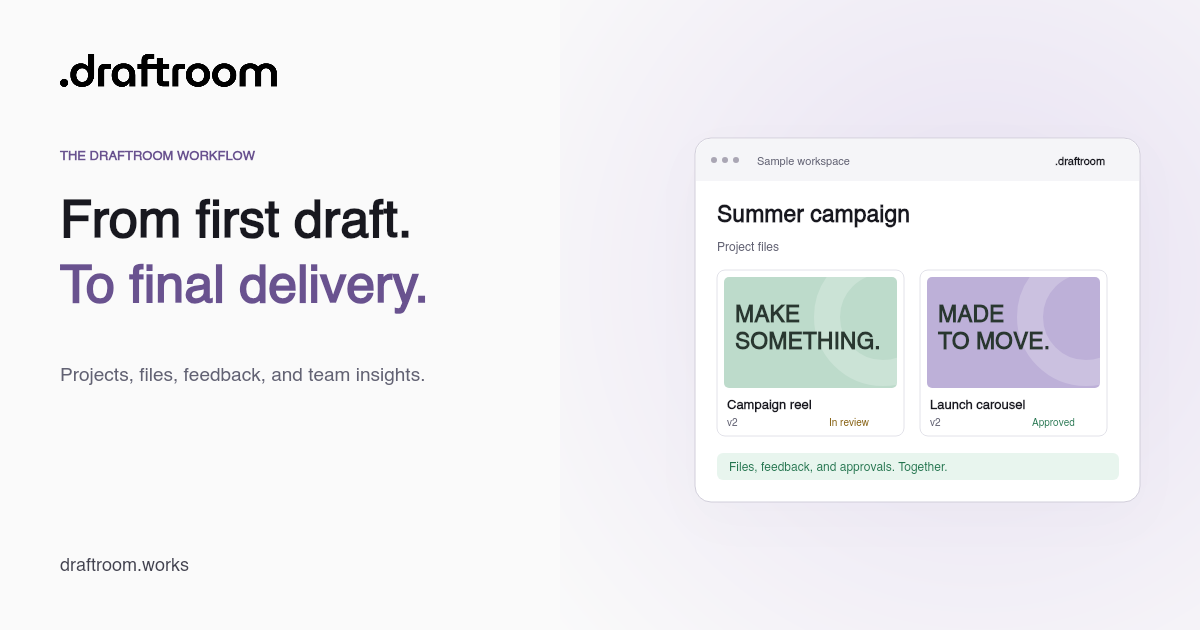
Draftroom
A calmer way to review creative work
Bring assets, feedback, approvals, and delivery into one clear creative workspace.
https://example.com/creative-workflow
Free Web & UX Tools
Preview a social share card and copy the Open Graph meta tags behind it.
What this tool does
The tool previews title, description, site name, URL, and image in an approximate social card, then generates the corresponding Open Graph meta tags.
The protocol requires title, type, image, and URL. Networks can still cache, crop, or restyle deployed metadata, so their current debuggers remain the final check.
Use the tool
Edit the share fields, inspect the approximate card, and copy the generated meta tags.
Use absolute public URLs in production. The official Open Graph protocol requires title, type, image, and URL; description and site name add useful context.
Approximate share card
Draftroom
Bring assets, feedback, approvals, and delivery into one clear creative workspace.
https://example.com/creative-workflow
<meta property="og:title" content="A calmer way to review creative work" />
<meta property="og:type" content="website" />
<meta property="og:url" content="https://example.com/creative-workflow" />
<meta property="og:image" content="/images/social/features.png" />
<meta property="og:description" content="Bring assets, feedback, approvals, and delivery into one clear creative workspace." />
<meta property="og:site_name" content="Draftroom" />
Networks can cache, crop, or restyle shared metadata. Validate the deployed URL with each platform’s current debugger.
How to use it
Worked example
Use a specific benefit-led title and a 1.91:1 campaign image.
FAQ
Practical details about using the tool and understanding its result.
Keep working
Measure headline characters and words against practical ranges for common writing contexts.
Open toolTurn a local image into five transparent PNG icon sizes and matching HTML tags.
Open toolLoad a public page into adjustable mobile, tablet, laptop, and desktop viewport frames.
Open toolFrom one asset to the whole workflow
Draftroom keeps projects, creative files, feedback, revisions, and approvals connected in one workspace.